Controlling the AGIBOT X2 with a VR headset: what AgiBot confirms
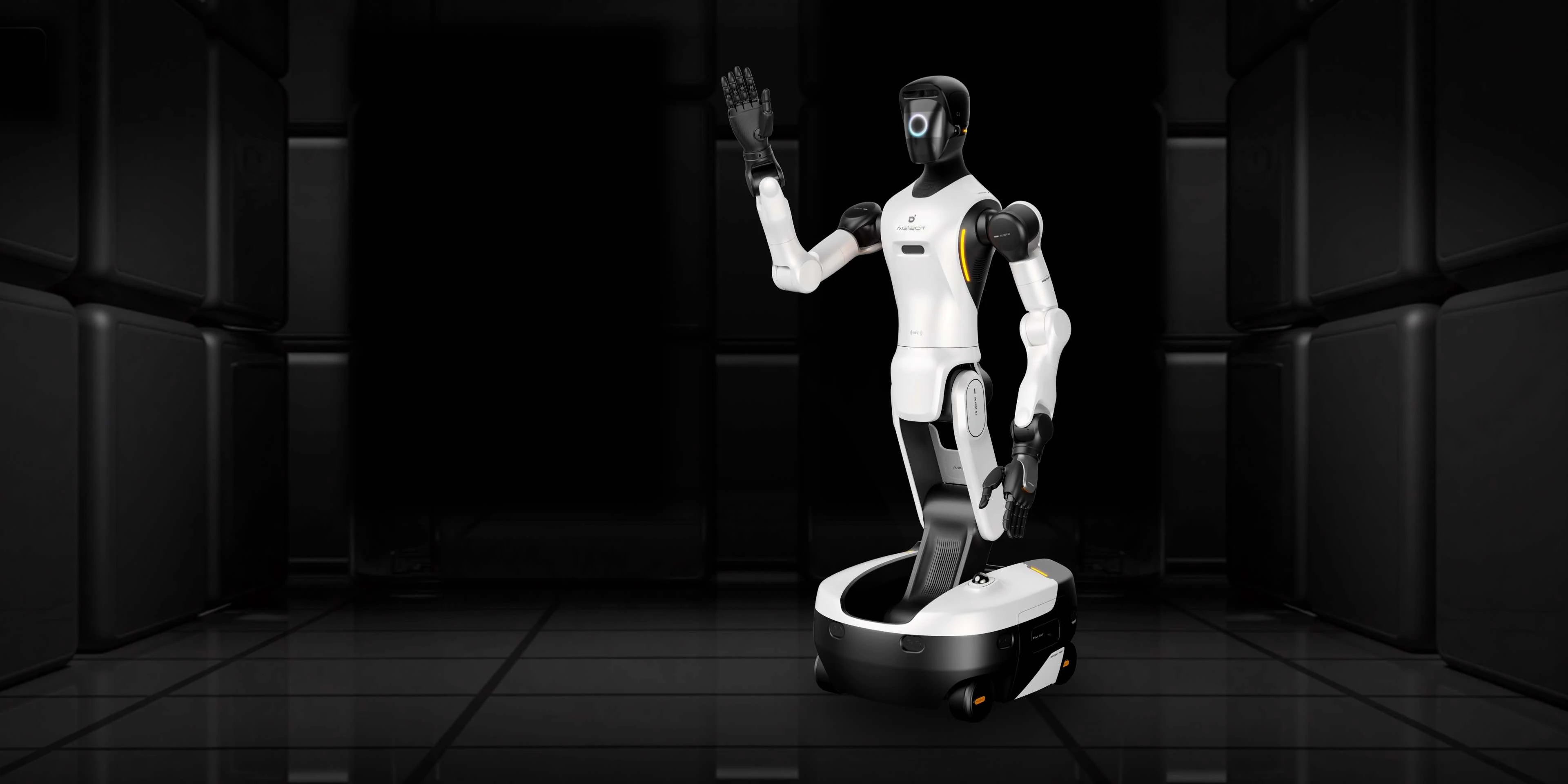
Short answer
Yes, for the X2, AgiBot offers an optional VR kit for teleoperation: a headset with two controllers, a live video feed and linked movements, so that you can also control the robot out of sight. The kit is not part of the standard delivery. Which headset, which X2 version and which buttons go with it is not stated in the AgiBot pages we checked. Ask the supplier in advance and follow the manual that belongs to your software version.
In brief
- AgiBot lists a VR kit for the X2 as an accessory: a headset and two controllers, with a live video feed and linked movements.
- The kit is optional. AgiBot writes that accessories shown are not a standard part of the delivery.
- In the AimDK documentation, teleoperation is linked to the upper-body control mode, which controls the head, arms and hands.
- The headset brand, the suitable X2 version, the button combinations and the connection methods have not been confirmed by AgiBot and are therefore not in this article.
- Discuss with the supplier which combination of robot, headset and software belongs with your version.
What AgiBot says about VR control
On the X2 product page, AgiBot shows the VR kit as an accessory, with the caption "headset and two controllers". The text with the kit says that a live video feed and linked movements make teleoperation out of direct sight possible. A footnote states that the VR kit is optional and that accessories shown are not a standard part of the delivery. The page carries no publication date and names no headset brand. It also does not say which X2 versions the kit supports. We checked the page on 22 November 2026.
What the developer documentation adds
In the AimDK documentation for the X2 (version 1.1.0), the mode for teleoperation is called upper-body control. In it, the head, arms and hands are controlled, according to the documentation also for teaching upper-body movements. The mode for the head only is available on Ultra models. How the modes relate to the controller is described in AGIBOT X2 controller: buttons.
What you need to establish yourself
Several practical questions have not been confirmed by AgiBot: which headset, which X2 version, which connection method and which buttons. A loose manual is circulating in the robotfaq documentation collection with answers to these, but that is not an AgiBot domain and we therefore do not adopt the details. Discuss with the supplier:
- which headset and which software version belong with your robot;
- whether the kit fits your X2 version, see X2 Ultra or X2 EDU;
- what is included in the delivery and what must be ordered separately;
- how to work safely, with someone at the robot who can intervene.
For using teleoperation to demonstrate tasks, see teleoperation of an AGIBOT robot and teleoperation and data collection.
Sources: AGIBOT X2 product page, AimDK X2 Mode Switching
Sources
- AGIBOT: X2 product page (no publication date, footnote about optional VR kit) (checked on 2026-11-22)
- AgiBot AimDK X2 1.1.0: Mode Switching (checked on 2026-11-22)
Frequently asked questions
What is AgiBot's VR kit for the X2?
According to AgiBot's product page, a headset with two controllers. A live video feed and linked movements let you control the X2 out of direct sight.
Does the VR kit come standard with the X2?
No. AgiBot calls the VR kit optional and writes that accessories shown are not a standard part. Check what is included in your delivery.
Which VR headset works with the X2?
We have not been able to confirm that with AgiBot. The product page names no brand or model. Ask the supplier before you buy a headset.
Does VR control work with every X2 version?
Unconfirmed. The product page does not say which versions the kit supports. The AimDK documentation names head control only for Ultra models. See [X2 Ultra or X2 EDU](/kennisbank/x2-ultra-vs-x2-edu/) for the differences.
How do I control the X2 with the controller instead of VR?
With the robot's controller. The related combinations for modes and safe shutdown are in [AGIBOT X2 controller: buttons](/kennisbank/agibot-x2-controller-knoppen/).
Can I use VR control for training data?
Teleoperation is widely used in robotics to demonstrate tasks. Whether and how this works with the X2 kit, we have not confirmed with AgiBot. The general principle is in [teleoperation and data collection](/kennisbank/teleoperatie-dataverzameling/).