Controlling an AGIBOT robot with a VR headset
Short answer
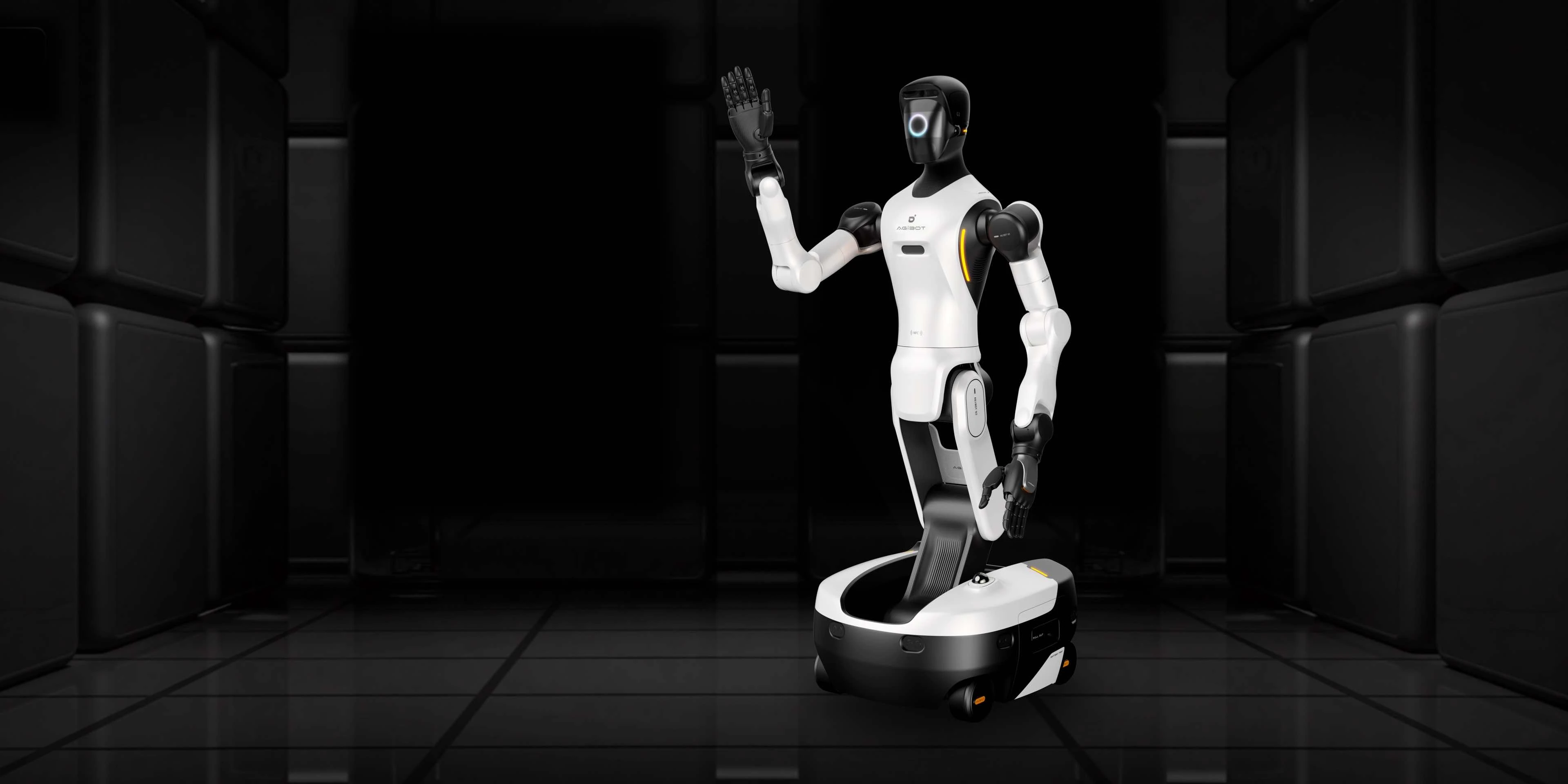
In teleoperation an operator wears a VR headset and the robot follows their movements. For the AGIBOT X2 Ultra an app is available for this on the PICO 4 Ultra headset. It is used for demonstrations, for tasks the robot cannot yet do on its own and for recording training data.
What do you need?
- A robot that supports teleoperation, such as the X2 Ultra.
- A supported VR headset with the teleoperation app.
- A stable network connection: directly via the robot's hotspot, or both on the same local network.
- A trained operator and a clear, safe space around the robot.
What do you use it for?
| Application | Example |
|---|---|
| Demonstrations | Visitors see the robot make natural movements live |
| Training data | Demonstrating tasks so that the robot later learns them itself |
| Difficult tasks | Carrying out an action remotely that is not yet automated |
Safety
The operator must keep the same viewing direction during use; if it changes, the headset is recalibrated. Always keep a second person near the robot who can intervene.
More on training data: how a humanoid robot learns a new task. We provide training and support through Learn.
Source: official AGIBOT documentation. We summarise it in our own words. If in doubt, always follow the manual that belongs to your software version.
Frequently asked questions
Does teleoperation work with every AGIBOT robot?
No, it differs per model and version. It is available for the X2 Ultra; ask us about other models.
Which VR headset is needed?
For the X2 Ultra the PICO 4 Ultra is supported.
Can I collect training data with teleoperation?
Yes. That is one of the most important applications.